Cloud Computing has completely changed how individuals, businesses, and institutions use digital technology. Instead of relying on physical computers, servers, or storage devices located in one place, users now access powerful systems hosted in secure data centers across the world. This model allows anyone with an internet connection to store files, run applications, analyze data, and collaborate in real time.
For decades, organizations had to invest in expensive hardware, hire IT staff, and maintain physical infrastructure. These systems were often slow to upgrade and difficult to scale. Today, cloud-based platforms solve these problems by offering flexible, on-demand services that grow or shrink depending on user needs. This shift is not just a technical upgrade—it represents a new way of thinking about digital resources and how they are consumed.
How Cloud Computing Really Works Behind the Scenes
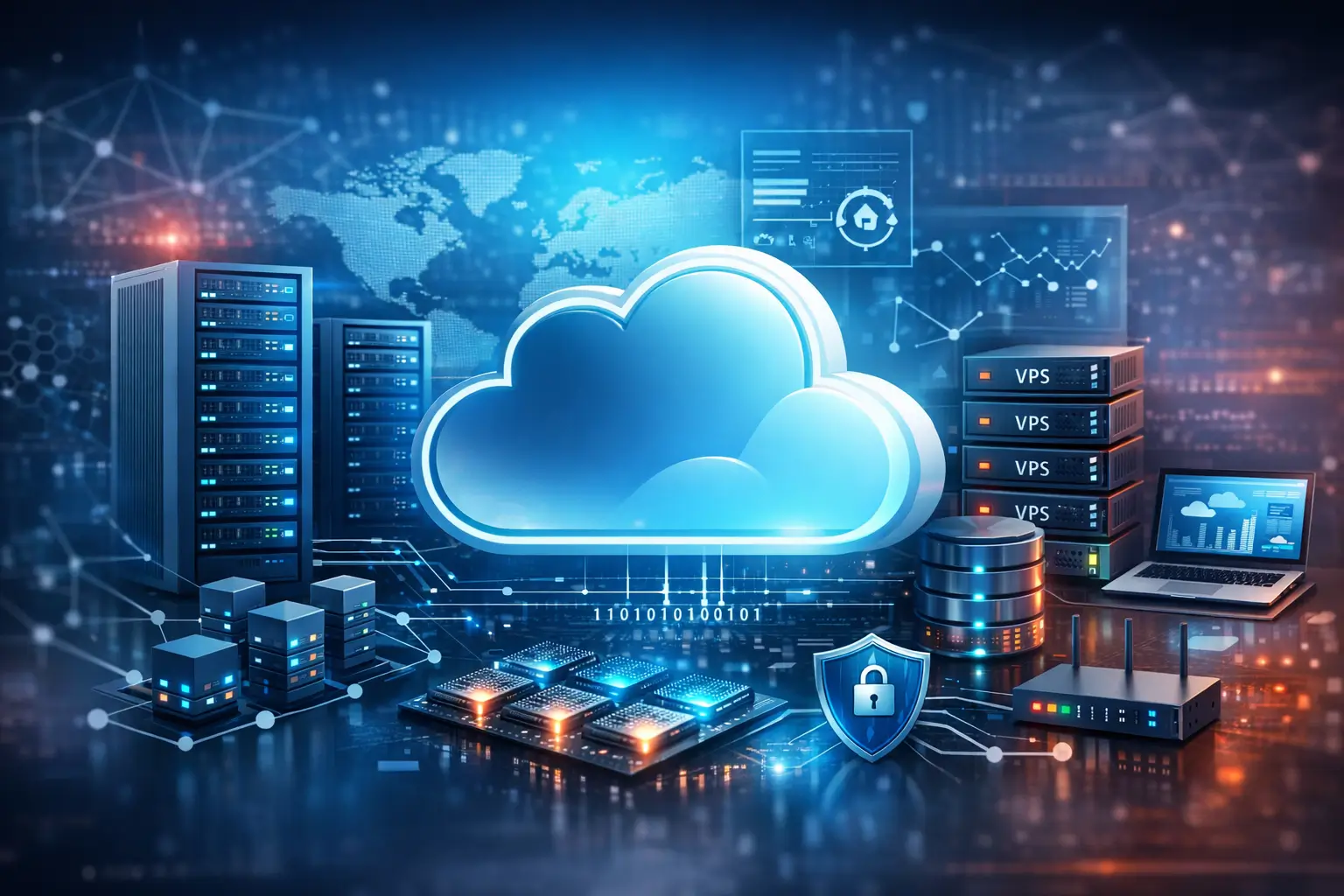
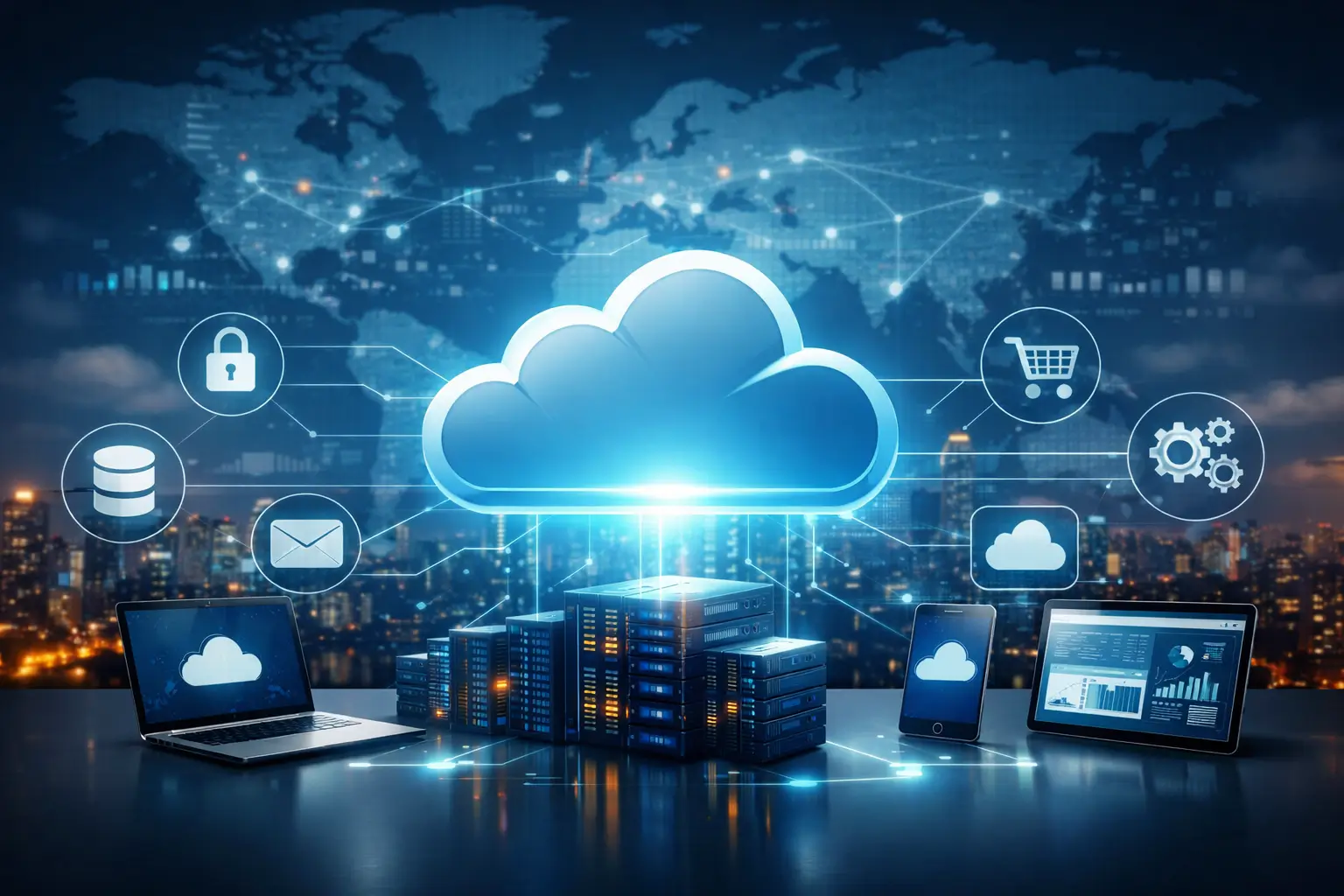
Cloud systems rely on large networks of data centers located around the globe. Each data center contains thousands of servers, powerful networking equipment, backup power supplies, and advanced cooling systems. These facilities are designed to run continuously with minimal downtime.
When you upload a file or open a cloud application, your request travels through the internet to the nearest available server. That server processes your request and sends the result back to your device in seconds. From your perspective, it feels like the software is running locally, but all heavy processing happens remotely.
(Behind the scenes, providers rely on virtualization to divide powerful machines into many secure, isolated environments.)
Virtualization allows one physical server to act as multiple independent systems. Each virtual machine is separated from others, ensuring privacy, security, and performance. This approach also allows providers to use their hardware more efficiently, reducing waste and lowering costs for customers.
Cloud Computing Infrastructure Explained Simply
Modern data centers are designed for reliability. Every critical component—electricity, cooling, internet connections, and storage—has backups. If one system fails, another immediately takes over, preventing service interruptions.
Redundancy and High Availability
Data is usually stored in multiple locations. If a server or entire data center experiences a problem, your files and applications remain accessible from another location. This design makes cloud services far more reliable than single local servers.
On-Demand Resource Allocation
When usage increases, additional resources are activated automatically. When demand decreases, those resources are released. This flexibility allows companies to pay only for what they use, instead of maintaining unused hardware.
Service Models in Cloud Platforms
Infrastructure as a Service (IaaS)
Provides virtual servers, storage, and networking. Users manage operating systems and applications.
Platform as a Service (PaaS)
Offers development tools and environments so developers can build and deploy apps without managing servers.
Software as a Service (SaaS)
Delivers complete applications such as email, file storage, and office tools through a browser.
Business Benefits of Cloud Computing in 2026
1) Instant Scalability
Organizations can increase or reduce resources within minutes. This is essential for handling seasonal demand, product launches, or unexpected traffic spikes.
2) Cost Efficiency
There is no need to purchase hardware or maintain physical servers. Businesses pay only for the services they use.
3) Remote Accessibility
Employees can access systems from anywhere, enabling remote work and global collaboration.
4) Faster Deployment
New applications can be launched quickly without long setup times.
5) Automatic Updates
Security patches and software updates are applied automatically, reducing the risk of vulnerabilities.
Security in Cloud Computing Environments
Security is a top priority for cloud providers. They use advanced encryption, firewalls, intrusion detection systems, and continuous monitoring to protect data.
⚠️ Warning:
Even with strong protection, weak passwords or unauthorized access can still expose sensitive information.
Choosing the Right Cloud Computing Strategy
Public Cloud
Shared infrastructure managed by a provider.
Private Cloud
Dedicated environment for one organization.
Hybrid Cloud
Combines public and private systems for flexibility.
Environmental Impact of Cloud Technology
Data centers are becoming more energy efficient by using renewable energy, advanced cooling systems, and optimized hardware. Consolidating workloads into shared facilities reduces overall energy consumption compared to many small local servers.
Real-World Use Cases
- Healthcare: secure patient data
- Finance: fraud detection and analytics
- Retail: inventory management
- Education: online classrooms
- Media: video streaming
Long-Term Advantages
- Business agility
- Reduced IT complexity
- Faster innovation
- Global reach
Cloud Service Comparison (2026)
| Feature | AWS (Amazon Web Services) | Microsoft Azure | Google Cloud Platform |
|---|---|---|---|
| Market Position | Market leader with the largest global infrastructure | Strong enterprise and government adoption | Best for data analytics and AI workloads |
| Ease of Use | Advanced, complex for beginners | Familiar interface for Windows users | Clean and developer-friendly |
| Pricing Model | Pay-as-you-go, complex pricing tiers | Flexible pricing with enterprise plans | Simple pricing and sustained-use discounts |
| Security | Enterprise-grade security, global compliance | Strong identity management and compliance | Advanced encryption and zero-trust model |
| Performance | Excellent global coverage and reliability | Optimized for hybrid environments | High-speed networking and low latency |
| Best For | Large enterprises and global applications | Businesses using Microsoft products | Data science, AI, and startups |
| Free Tier | Yes (limited) | Yes (limited) | Yes (generous) |

Explanation
Amazon Web Services (AWS)
AWS is the most widely used cloud platform in the world. It offers the largest number of services and global data centers. It is highly reliable and powerful, but beginners may find it complex due to its many features and pricing options.
Microsoft Azure
Azure integrates deeply with Windows, Microsoft 365, and enterprise systems. It is a strong choice for companies that already use Microsoft tools and need hybrid cloud solutions.
Google Cloud Platform (GCP)
Google Cloud is known for its high performance, data analytics, and machine learning services. It is popular among developers and startups because of its simple pricing and strong AI tools.
Frequently Asked Questions
What is Cloud Computing?
It is the delivery of computing services over the internet instead of local systems.
Is it safe to store data in the cloud?
Yes, when providers follow strong security standards and users apply best practices.
Can small businesses use it?
Absolutely. Flexible pricing makes it accessible to all.
Does it require constant internet?
Yes, for full functionality.
What happens during outages?
Redundant systems minimize downtime.
Is it environmentally friendly?
Yes, shared infrastructure is more efficient.
Will it replace local computers?
No, but it enhances their capabilities.